Windows may block ClicoClicker during installation because the app is not code-signed. This is normal for open-source apps — here's how to fix it.
See the fixWindows Smart App Control and SmartScreen block applications that don't have a code-signing certificate. Code-signing certificates cost hundreds of dollars per year, which is not viable for a free, open-source project.
This does not mean the app is malicious. ClicoClicker is fully open source — you can inspect every line of code on GitHub.
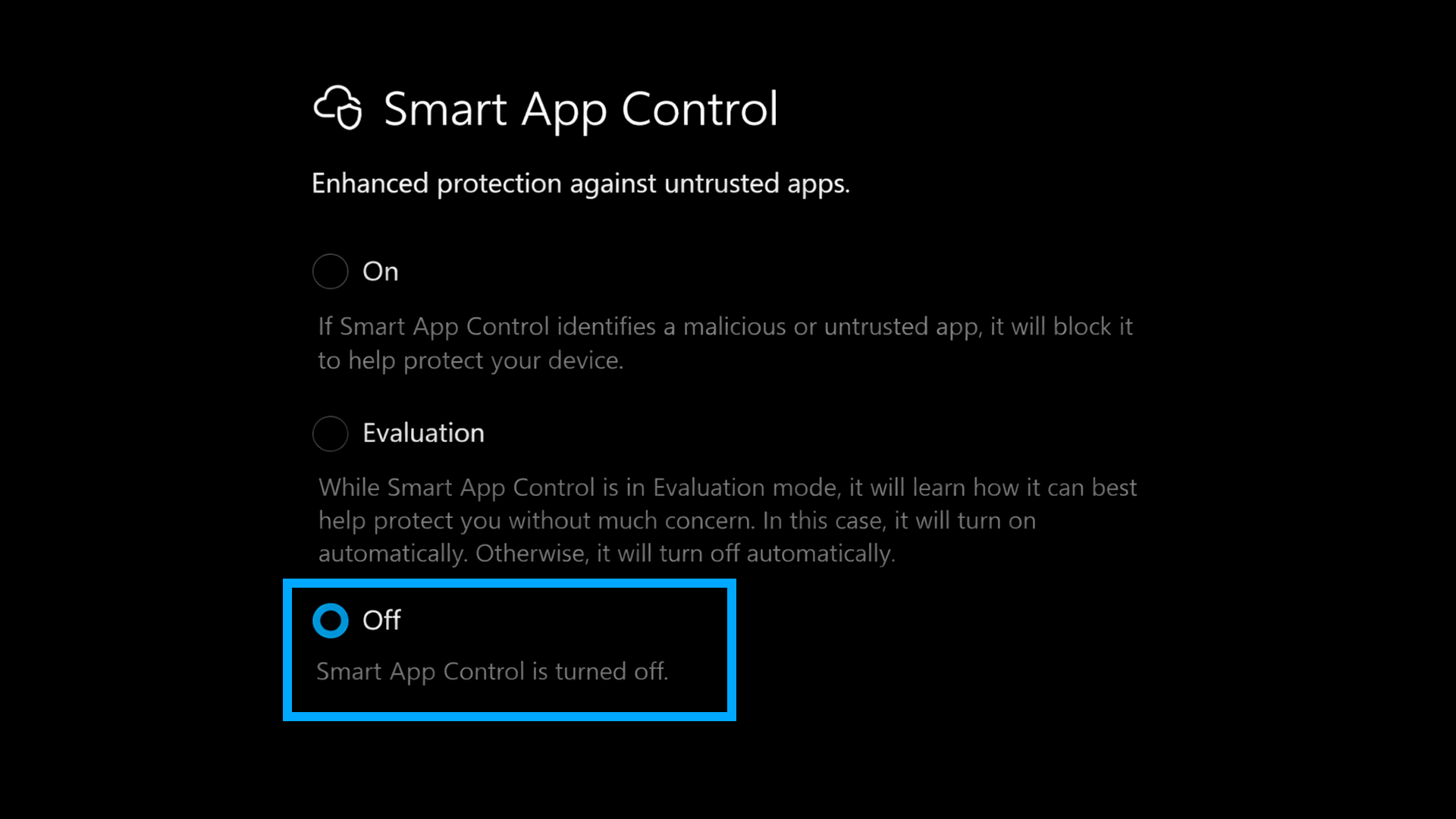
If Windows completely blocks the installer from running, Smart App Control is likely enabled. Follow these steps to disable it.
Go to Settings → Privacy & security → Windows Security, or search for "Windows Security" in the Start menu.
Click on App & browser control, then click Smart App Control settings.
Select Off to disable Smart App Control. This allows unsigned apps like ClicoClicker to run.
After disabling Smart App Control, run ClicoClicker-Setup.exe again. It should now install without issues.
Smart App Control must be set to Off
If you see "Windows protected your PC" when running the installer, follow these steps.
On the SmartScreen warning dialog, click the More info link to reveal additional options.
After clicking "More info", a Run anyway button will appear. Click it to proceed with the installation.
Some antivirus software may quarantine or block the installer. Temporarily disable it during installation, then re-enable it after.
Go to Settings → Privacy & security → Windows Security, then click Virus & threat protection.
Under Virus & threat protection settings, click Manage settings.
Toggle Real-time protection to Off. Windows will ask for confirmation — click Yes.
Run ClicoClicker-Setup.exe and complete the installation.
After installation, go back and toggle Real-time protection back to On. Windows may also re-enable it automatically after some time.
Using a third-party antivirus? Open your antivirus settings and temporarily disable real-time scanning or add an exclusion for the ClicoClicker installer and installation folder (typically C:\Users\YourName\AppData\Local\Programs\clicoclicker).
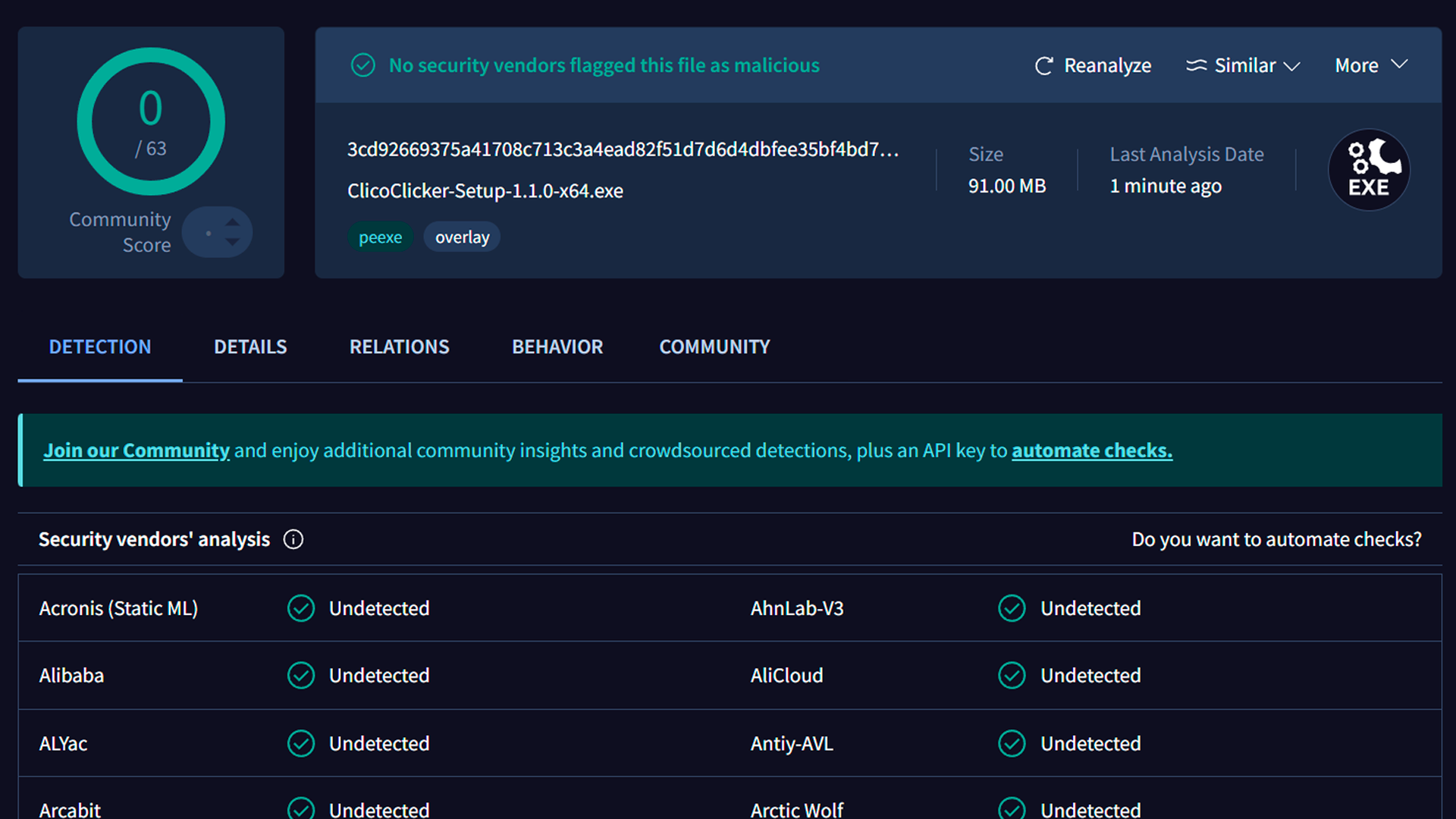
The installer has been scanned by 63 security vendors. Zero detections.
0/63 security vendors flagged this file as malicious
No security vendor flagged the file.
Every line of code is public on GitHub.
No data collection, no tracking, no network calls.